
Mandatory SSO Portal Registration for PIBOs: Ensuring EPR Single Portal Access
The Central Pollution Control Board (CPCB) solved this with the launch of the Common EPR SSO (Single Sign-On) Portal. One registration on this portal gives access to all EPR waste management portals through a single login and helps in EPR authorization certificates.
Schedule a Call Back
India generates millions of tonnes of waste every year. Plastic, electronic, battery, tyre, and used oil waste cause serious environmental damage. To tackle this, the Government of India set up the Extended Producer Responsibility (EPR) framework. Under EPR rules, Producers, Importers, and Brand Owners, called PIBOs, must take responsibility for the waste their products generate.
For years, each type of waste had its own separate portal. A company dealing in electronics and plastic packaging had to manage two different logins, two registrations, and two different compliance timelines. This made the process slow, confusing, and prone to errors.
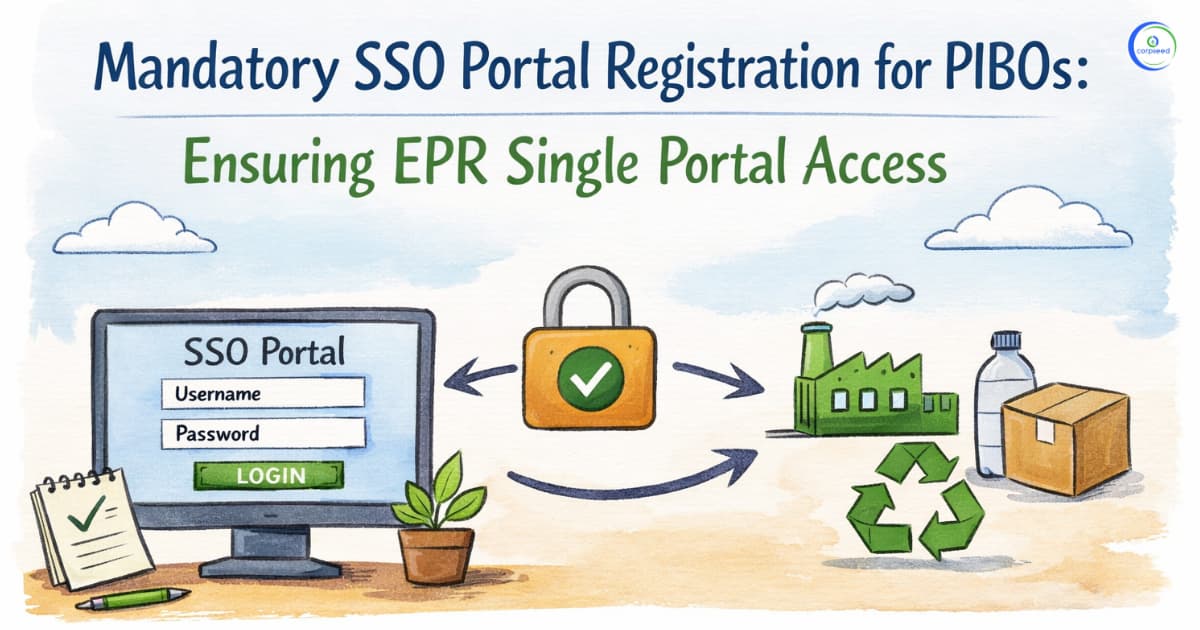
The Central Pollution Control Board (CPCB) solved this with the launch of the Common EPR SSO (Single Sign-On) Portal. One registration on this portal gives access to all EPR waste management portals through a single login and helps in EPR authorization certificates. This is not optional, it is mandatory for all PIBOs.
Schedule a Call Back
What is the Common EPR SSO Portal?
The Common EPR Single Sign-On (SSO) Portal is a unified digital platform built by CPCB under the Ministry of Environment, Forest and Climate Change, Government of India. Its official name is the Common Extended Producer Responsibility Portal, commonly referred to as the CEPR Portal.
The portal works on a simple principle &that is register once, access everywhere. When a company registers on the Common EPR Portal, the system stores all company details, PAN, GST, authorized person information, and business category in a central database. These details then connect to individual EPR portals through API-level integration automatically.
After registration, every user receives a unique CEPR ID. This ID acts as a universal identity across all EPR systems and gets sent to the registered email address and mobile number immediately.
The Common EPR SSO Portal connects to the following six waste management portals:
- Plastic Waste Management
- E-Waste Management
- Used Oil Management
- Tyre Waste Management
- Battery Waste Management
- EPR Trading Portal (ETP)
Why SSO Registration Is Mandatory for PIBOs?
The CPCB made SSO registration mandatory for all PIBOs for clear and practical reasons. Here are the reasons why it is mandatory:
- Gateway to Regulatory Portals: Access to any individual waste management module is blocked until the Common EPR (CEPR) ID is generated through the central SSO system.
- Authentication for Credit Transfers: Trading EPR certificates or transferring credits is impossible without a verified digital identity, as the system uses SSO for every transaction.
- Compliance with Digital Governance: Integration into the centralized digital framework is now a legal prerequisite to eliminate paperwork and ensure real-time tracking of environmental liabilities.
- Validation for Quarterly Returns: Filing mandatory quarterly returns requires the SSO link to pull data across different waste streams into one verifiable record.
- Unified Oversight for All Streams: Registration ensures that every Producer, Importer, and Brand Owner remains visible to regulators, preventing penalties for missing cross-category obligations.
SSO Portal Registration Process
The Common EPR SSO Portal registration is a three-stage process that includes user verification, general information, and supporting documents. Before starting, the documents should be properly available. The documents required are:
- Company GST Number
- Company PAN Card Number
- Authorized Person's PAN Number and Date of Birth
- Registered Email ID and Mobile Number of the Authorized Person (for OTP verification)
- GST-linked details
- Company CIN Number (if applicable)
- Supporting Document in PDF, JPG, or PNG format
Steps to Register on the Common EPR Portal
- Open the Common EPR Portal and click the Registration button on the login page.
- Enter the Company GST Number in the User Verification tab and click Verify. The system checks and confirms the GST details instantly.
- Enter the Company PAN, Authorized Person's PAN, Authorized Person's Name, and Date of Birth. Click Submit.
- Enter the Authorized Person's registered Email ID and click Get OTP. Verify the OTP received. Repeat the same step for the registered Mobile Number. Click Continue.
- The General Information page auto-fills all GST-verified details. Select the Type of Business (Public Ltd, Private Ltd, PSU, Partnership, etc.) and Type of Company (Micro, Small, Medium, Large) from the dropdowns. Enter the registered address and select the district.
- Authorized Person details auto-populate. Set a password of your choice, confirm it, and click Continue.
- Upload the required supporting document for the company's PAN in PDF, JPG, or PNG format. Enter the captcha code and click Continue.
- A success screen confirms registration. The unique CEPR ID appears on screen and gets sent to the registered email address and mobile number. Keep this ID safe, it is the key to all EPR portals.
Linking Multiple EPR Portals Through SSO
Once registration on the Common EPR Portal is done, the next step is linking the existing EPR portal accounts to the CEPR ID. The dashboard shows six tiles, one for each waste management portal, and each tile has a Link button.
Click the Link button on the desired portal tile. The system redirects to that portal's login page. Enter the existing credentials, and once logged in, the system brings the user back to the Common EPR Dashboard. That portal tile now shows an Open button, linking is done.
This whole process happens only once. On every future login, just click Open on the linked portal tile and land directly on the dashboard, no extra login needed. A company with multiple roles on the same portal can link each role separately using the same Link button. All roles sit neatly under one CEPR account.
One more thing, linking even a single EPR portal automatically unlocks the EPR Trading Portal. No extra steps needed. The ETP tile activates on its own, giving full access to buy and sell EPR certificates right away.
Conclusion
The Common EPR SSO Portal marks a turning point in how India manages Extended Producer Responsibility compliance. For Producers, Importers, and Brand Owners, this is not just a digital upgrade, it is a mandatory compliance step that sits at the foundation of all EPR activities.
A single registration on the Common EPR Portal generates a unique CEPR ID. That CEPR ID becomes the passport to all six EPR waste management portals, Plastic, E-Waste, Used Oil, Tyre, Battery, and the EPR Trading Portal. The system removes the hassle of multiple logins, reduces data entry errors through auto-population, and keeps all compliance activities visible on one centralized dashboard.
The message for every company that falls under EPR rules in India is to register on the Common EPR SSO Portal first. Everything else, return filing, EPR certificate generation, credit transfer, and trading, follows from that single registration.
The CPCB's Common EPR Portal is live and operational. Every day without registration is a day of potential non-compliance. Get the CEPR ID. Link the relevant EPR portals. Stay compliant.
About the Author

Mahek Sancheti
Content WriterMahek Sancheti, BAJMC graduate with a deep passion for writing. As a content writer, video content creator, creative content creator, and scriptwriter, I bring stories to life through words and visuals. I honed my skills by working with a prominent news agency, where I excelled in crafting compelling narratives and engaging content. Coming from a journalism and mass communication background I have skills to craft engaging narratives that captivate audiences. With a keen interest in writing and creativity, I aim to deliver impactful and meaningful content that resonates with diverse audiences.
https://www.linkedin.com/in/mahek-sancheti-837196212
Related articles
CPCB SOP 2026 for CTE and CTO Approvals - Timelines, Inspections and Key Directions
2026-10-30
E-Waste EPR for Electronics Brands: Registration, Targets & Annual Compliance
2026-10-26
Battery EPR Registration: Who Needs It Under the Battery Waste Management Rules?
2026-10-26
Detailed Project Report for CTE and CTO: Requirements, Format, Documents and Approval Process
2026-10-22
EPR Registration in India: Who Needs It and Which EPR Category Applies to Your Business?
2026-10-21
CPCB Guidelines on Levy of Fees Under the Solid Waste Management Rules, 2026
2026-10-07