
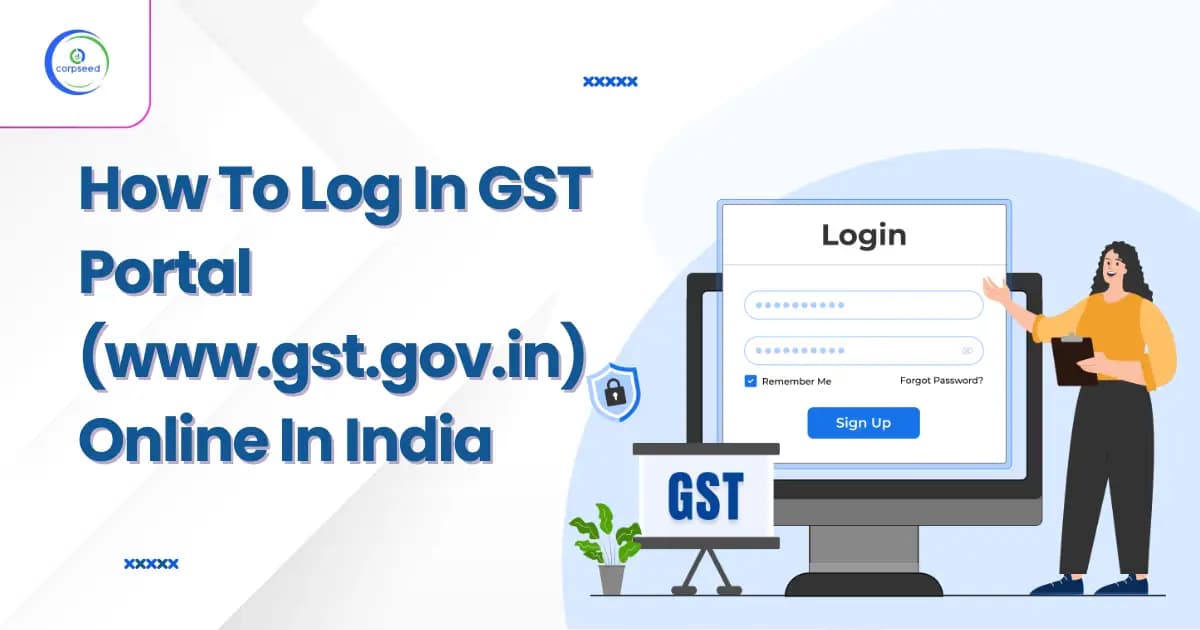
How To Log In GST Portal (www.gst.gov.in) Online In India
The Indian Government announced the Goods and Services Tax (GST) on July 1, 2017. The reason for introducing it is to replace the multi-tax system in India. It is an indirect tax that affects almost all aspects of our lives.
Schedule a Call Back
200+ GST assignments since 2018
Clients include Cmp Security Services, T&T Security and Management Services, The Meeras Security and Placement Company, R3 Clinic, Pia Lifesciences, Naduvin Dental Care, SNS Metpro Industries, Rathi Group Industries, RGK Crop Science, S S Engineering Corporation, Anagh Traders, Hopeful Hearts Foundation (12 of 200+ served since 2018).
A few more clients we've served in this industryHide the list
- Professional services and finance
- Cmp Security Services · T&T Security and Management Services · The Meeras Security and Placement Company
- Pharma and healthcare
- R3 Clinic · Pia Lifesciences · Naduvin Dental Care
- More clients
- SNS Metpro Industries · Rathi Group Industries · RGK Crop Science · S S Engineering Corporation · Anagh Traders · Hopeful Hearts Foundation · Metanovo Health · Kapemai Lifestyle · Mobi Tech · Nimblegait Healthtech · Arng · NutraX Biotech · Ania Consumer Products · SEI Thai Electric Conductor · Zariwala & Company · Apna Shop · Bay Skin · Hearing Solutions Technologies · Ningi Neyla Exim Trade India · Shandong Donghao Autoglass
Key facts: GST Portal Login
| What it is | The Common Goods and Services Tax Electronic Portal that the Central Government notified for GST registration, payment of tax and filing of returns (Notification No. 4/2017-Central Tax). It is run by the Goods and Services Tax Network (GSTN). |
|---|---|
| Official address | https://www.gst.gov.in. The Login link is at the top right of the home page. |
| What you can do there | Apply for registration, file returns and pay tax. A new taxpayer logs in the first time with the GSTIN (or Provisional ID or UIN) and the password received by e-mail, then creates a username and password for later logins. |
| Password and OTP rules | The password must have 8 to 15 characters with at least one number, one special character, one upper-case and one lower-case letter, and must be changed every 120 days. On a new device or browser the portal sends an OTP to your registered mobile number and e-mail, and you cannot log in from outside India. |
| Fees | The official user manual and FAQs mention no fee for logging in or creating a username. The portal is where you pay your tax. |
| Official sources | Notification No. 4/2017-Central Tax (19 June 2017); GST portal user manual Logging in and managing username and password and its FAQs. |
Facts checked: 18 November 2026, against the official sources above.
The Indian Government announced the Goods and Services Tax (GST) on July 1, 2017. The reason for introducing it is to replace the multi-tax system in India. It is an indirect tax that affects almost all aspects of our lives. All the services related to GST can be availed from the GST official portal. Through the GST portal www.gst.gov.in, taxpayers can register for GST, file returns, make tax payments, track application status, download certificates, and manage notices. The essential component for businesses, professionals, and individuals is knowing how to log in to the GST portal in India.
What Is The GST Portal?
The GST portal www.gst.gov.in is a centralized digital platform in India managed by the Goods and Services Tax Network (GSTN). A business that is liable to register under GST (sections 22 and 24 of the CGST Act set out who is) applies for registration on this portal, and the proper officer of the tax department approves it and issues a Goods and Services Tax Identification Number (GSTIN). Registration is with the tax department, not with the GST Council.
The Goods and Services Tax Identification Number shall be assigned in the following format:
- Two characters for the State code
- Ten characters for the PAN or the Tax Deduction and Collection Account number
- Two characters for the entity code; and
- One checksum character.
With the help of the GST portal, users can file GST returns, make GST payments online, download the GST Registration certificates, view details of amended registration, Track refund applications, respond to GST notices, and, lastly, view ledgers (cash, credit, and liability).
Schedule a Call Back
Who Can Log In To The GST Portal?
The following users can log in to the GST portal online:
- GST-registered businesses and individuals.
- Composition scheme taxpayers
- Input Service Distributors (ISD)
- Non-resident taxable person.
- Casual taxable persons
- GST Practitioners
- Tax Deductors (TDS) and Tax Collectors (TCS)
GST Portal Login: For First-Time Users
Below are the guidelines for a first-time user to log in to the GST portal.
Step 1: Visit the official GST Portal
Firstly, visit the official GST portal by entering the URL www.gst.gov.in.
Step 2: Click the login button
On the homepage, click on it to start the GST portal login process.
Step 3: Go to the New User Login page
At the bottom of the login screen, click on the first-time user button.
Step-4: Enter your GSTIN/UID with Password
You have to enter all the login credentials on this page, including GSTIN (Goods and Services Tax Identification Number) or the User ID you received at the time of the registration process, along with the Password.
Step-5: Create a Unique Username and Password
After the authentication of your provisional User ID/ GSTIN, you will be authorised to create your own unique username and Password.
Step-6: Confirmation Message
After setting all the processes, such as username and Password, you will receive a confirmation message on the same page. Exit this page and log in to the GST portal with the credentials you created.
GST Portal Login: For Registered Users
Below are the following steps for existing users to access their GST account:
Step 1: Visit the official portal
You need to visit the official GST portal by entering the URL www.gst.gov.in.
Step 2: Enter all your details
Enter the username you created at your first login, your password and the captcha shown on the login page. On a new device or browser, you also enter the OTP sent to your registered mobile number and e-mail.
Step-3: Access GST Services
After the process of GST portal login, you can freely access all the services related to GST, or you can manage your business’s GST filings, transaction history, or any other services that you would like.
Benefits Of The GST Portal
Here are some key benefits after registering under the GST portal, which are as follows-
- The primary benefit of registering on the GST portal is that it will bring transparency to the marketplace. The sales tax across all levels of government is uniform.
- Another key benefit is that a standardised system has been put in place. Under the unified tax system, each state and union territory will have its own sales tax and will no longer be able to impose discriminatory taxes.
- The last advantage of the GST is that it will neither increase nor decrease the number of people who are taxed under it. GST is expected to be an effective, balanced, and inclusive tax system.
Common GST Portal Login Issues And Solutions
While entering all the credentials, the issue of logging into the GST portal has arisen. As a result, the business owners were unable to access the services. Below are the solutions for the problems that you face while logging in:
- Forgot username and Password
Issue: This issue arises for first-time users or those who do not frequently use the portal, who may forget their credentials.
Solution: Click Forgot Username (and enter your Provisional ID, GSTIN or UIN) or Forgot Password (and enter your username) on the login page, type the captcha and generate an OTP. The OTP goes to your registered e-mail address and mobile number. Once you enter it, your username is e-mailed to you, or you can set a new password.
- Invalid Captcha Error
Issue: Many people have encountered this issue where the portal doesn’t recognize the captcha you entered.
Solutions: Refresh the captcha. It must ensure that all entries you enter are in the correct format. If the problem persists, clear the browser cache and enter the captcha again.
- Account Locked
Issue: The account was locked after multiple failed login attempts.
Solutions: Wait for 15-20 minutes after it resets its Password to unlock.
- Browser Compatibility
Issue: While logging in to the GST portal, the browser may cause problems, particularly with older versions.
Solution: To ensure the best experience, please use a modern, updated web browser such as Google Chrome, Mozilla Firefox, or Microsoft Edge (formerly Internet Explorer). Keeping your browser up to date helps with security and functionality.
- GST Portal Maintenance or Technical Glitch
Issue: Sometimes, the GST Portal undergoes maintenance or experiences a technical glitch.
Solution: If you are unable to log in due to server issues or network issues, wait for 10-15 minutes and try again. If the problem persists, visit the official GST Portal and check the notice board to get updates on maintenance.
Conclusion
In conclusion, for GST compliance, the basic step is to understand how to log in to the GST portal online in India. Because it provides a single digital interface for all the tax-related activities, making the compliance transparent, simple, and much easier. By adhering to the rules and regulations of the GST portal, including the GST portal login process, maintaining secure credentials, and other requirements, you can ensure smooth GST operations and access all services more straightforwardly. Whether you are a business owner, professional, or GST practitioner, regular and secure access to the GST portal is key to staying compliant under India’s GST law.
About the Author

Shamshad Alam
Head - Digital MarketingExperienced Digital Marketer with a demonstrated history of working in the Internet industry. He likes to write about the latest technology trends, Skilled in Digital Marketing likes. Search Engine Optimization, SMO, SEM, PPC, Content Writing, and, Designing, etc.
Related articles
GST Refund Applications: Filing of Annexure-B Using Offline Utility on GST Portal
2026-05-19
GST & E-Commerce Compliance Errors To Avoid In India
2026-02-10
How to Cancel GST Registration?
2025-12-12
GST Council 56th Meeting Highlights: Key GST Rate Changes and Reforms
2025-09-06
ITR-V Form: Complete Guide to Download, Acknowledgement & Verification
2025-08-07
GST & Taxation Compliance Services in India
2025-06-23